
Platform guides
Add QR codes to the tools you already use.
These are short, tested workflows for getting a QR into a design, form, file or website. Each one covers the mistake most likely to break the scan.
 Canva
CanvaPut a QR code in Canva without making it blurry.
Make the QR first, add it to the final design at the size it will be printed, then test the exported file rather than the editor preview.
Read the guide Google Forms
Turn a Google Form into a QR people can actually open.
Publish the form for the right audience, copy the responder link rather than the editor address, and test it while signed out.
Read the guide Google Drive
Share a Google Drive file by QR, minus the access-request screen.
The QR is the easy part. The important bit is giving the people who scan it permission to open the file.
Read the guide Shopify
Add a QR to Shopify pages, parcels and shop-floor signs.
Use the storefront page customers should reach, download clean QR artwork, and keep each physical placement tied to one clear action.
Read the guide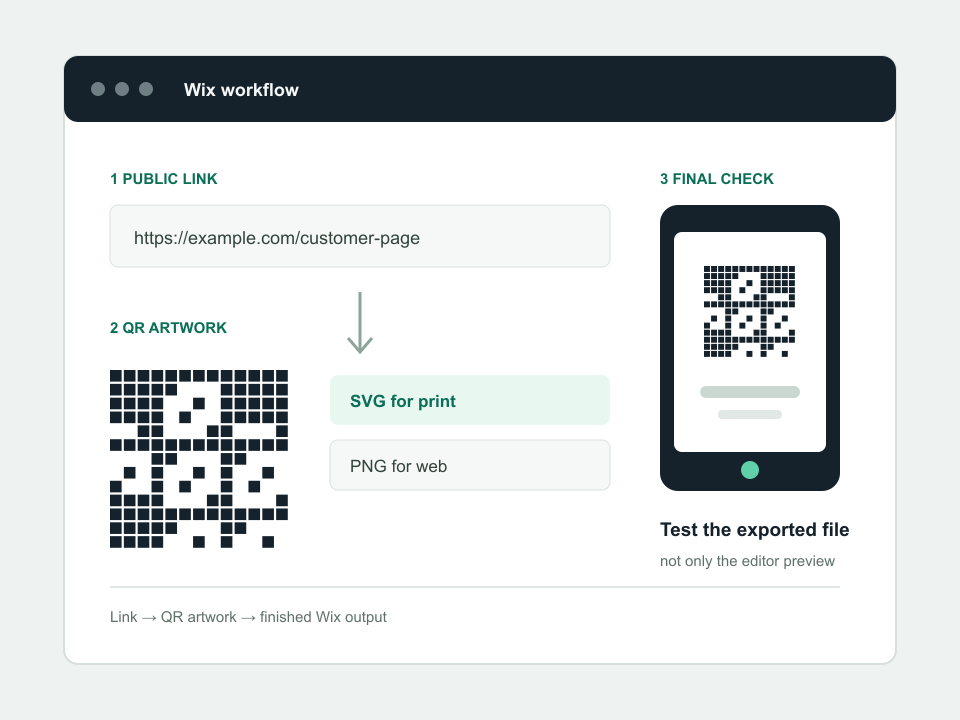 Wix
WixPut a QR code on Wix without losing the quiet border.
Upload the original QR file, place it as a normal image and check the live site. Avoid screenshots, decorative cropping and editor-only links.
Read the guide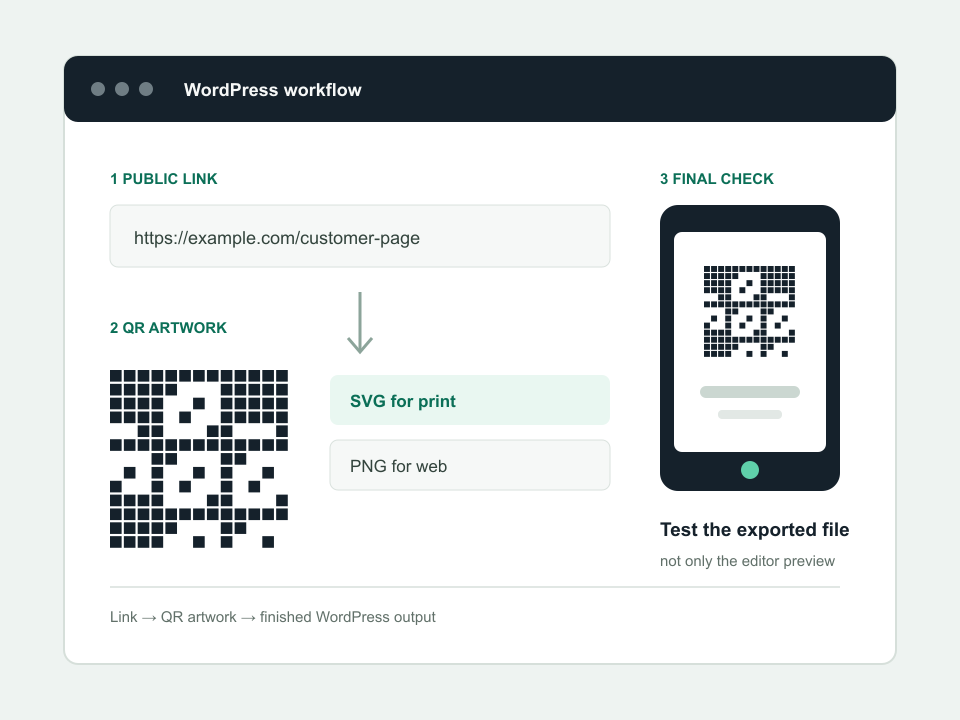 WordPress
Add a QR code to WordPress and keep it scan-ready.
Use an Image block, upload the original file and size it deliberately. A screenshot or over-compressed thumbnail is asking for trouble.
Read the guideBefore you export
Use SVG for print. Test the finished file.
The editor preview is not the product. Check the PDF, image, sign or packaging at the size and surface customers will actually scan.
Open the QR testing lab