Good when the link is settled
Use a fixed QR for a public file you are confident will keep the same Drive link.
Create one free HonestQR
Google Drive guide
The QR is the easy part. The important bit is giving the people who scan it permission to open the file.
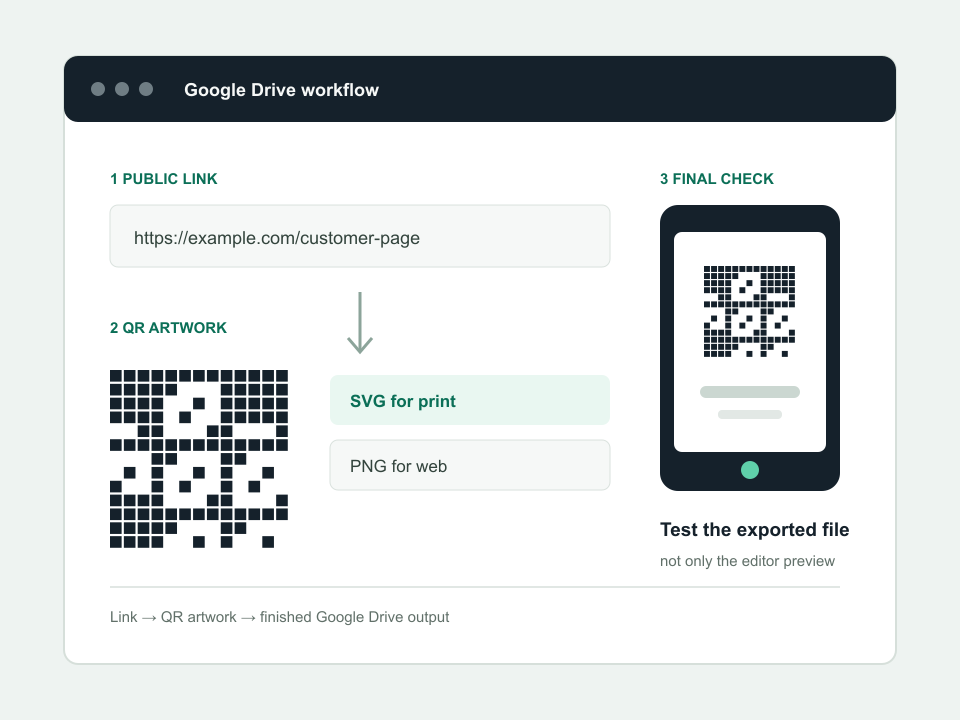
The reliable route
Select the file in Drive and choose Share. Check whether your work or school account limits public sharing.
For a public QR, choose Anyone with the link and Viewer. Never make confidential material public just to simplify a scan.
Use Copy link. A dynamic QR is useful when the document may be replaced by a new file with a new Drive address.
Scan from a private browser window. Confirm the file opens without asking for a Google account or an access request.
Final check
Working example
This sample is deliberately plain. Reliable contrast and a clear border matter more than decoration.
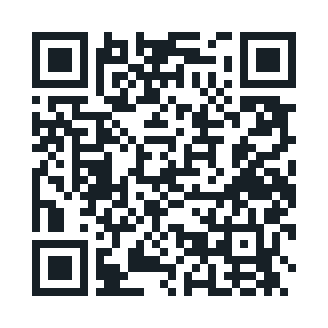 https://drive.google.com/file/d/example/view
Use a fixed QR for a public file you are confident will keep the same Drive link.
Create one freeUse a dynamic QR when the document is replaced periodically or could move out of Drive.
HonestQR Pro includes 50 codes and 100,000 scans a month for $12.
Start 30 days freePlatform steps checked July 23, 2026 against the Google Drive sharing guide. Product menus can change; tell us if a step has moved.
See the finished workflow
Use the short video beside the written checklist, then test the exported file or live page on a normal phone.
Watch the tutorial