
Use stock suited to the product environment. Moisture, curved packaging and textured surfaces can all damage scan reliability.
Free printable template
A product label that still works after the box is gone.
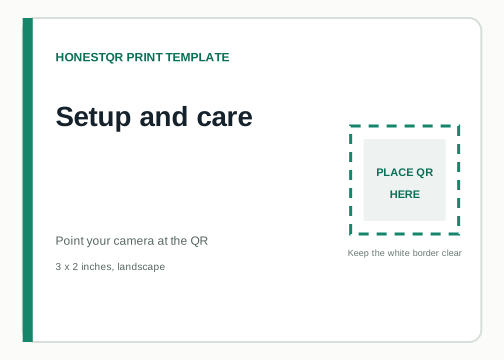
A 3 x 2 inch label for setup instructions, care guides or support. Keep the destination useful for the lifetime of the product.
3 x 2 inches, landscape · Free for personal and commercial use
Place
Choose a flat, visible panel that stays with the product. Avoid seams, handles and surfaces that are regularly rubbed.
Test
Apply one real label, then scan after handling, cleaning or chilling the product as a customer would.
Add your QR
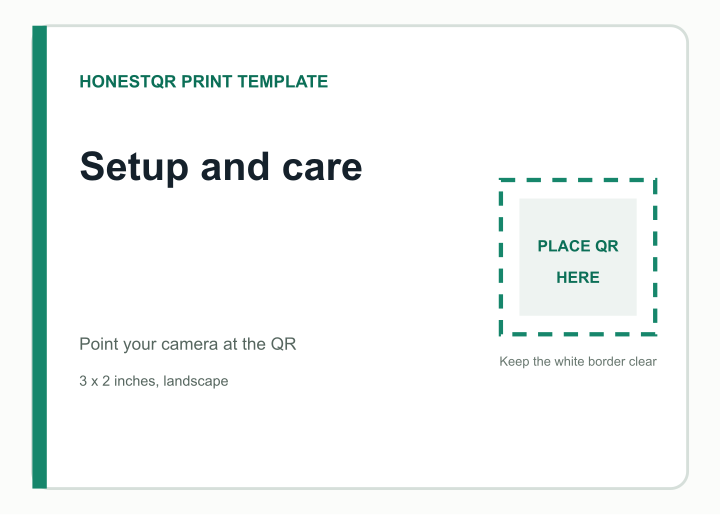
Replace the marked square, not the whole layout.
Open the SVG in Canva, Figma, Illustrator or another design tool. Place your QR over the square, keep it perfectly square and do not cover the surrounding white area.
- 1
Create a fixed or dynamic QR and download its SVG.
- 2
Place it inside the marked area without stretching it.
- 3
Change the example wording if needed, then export a print PDF.
- 4
Print one copy at 100% scale and scan it before ordering more.
Example destination
Setup and care
The preview uses a working sample QR so you can check the intended scale and border.
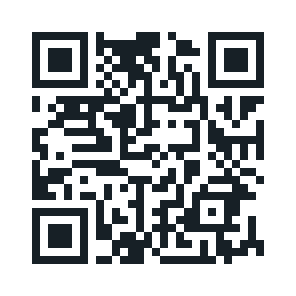 https://example.com/support
Free and permanent
Use a fixed code if the final address or information will not change. HonestQR does not sit between the scan and destination.
Create a fixed QRUseful for long-lived print
Change the destination after printing and see scan activity. Pro includes 50 codes and 100,000 scans a month.
Start 30 days freeTemplate published July 23, 2026. The marked QR area follows a conservative print size and clear-border rule, but every material, printer and placement still needs a physical scan test.