
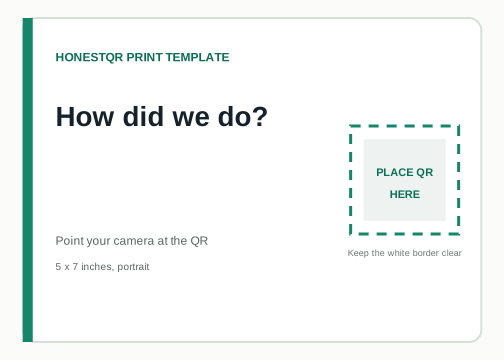
Print on matte card or place it behind non-reflective acrylic. Avoid a frame that covers the white border.
Free printable template
Ask for a review without turning the counter into an advert.
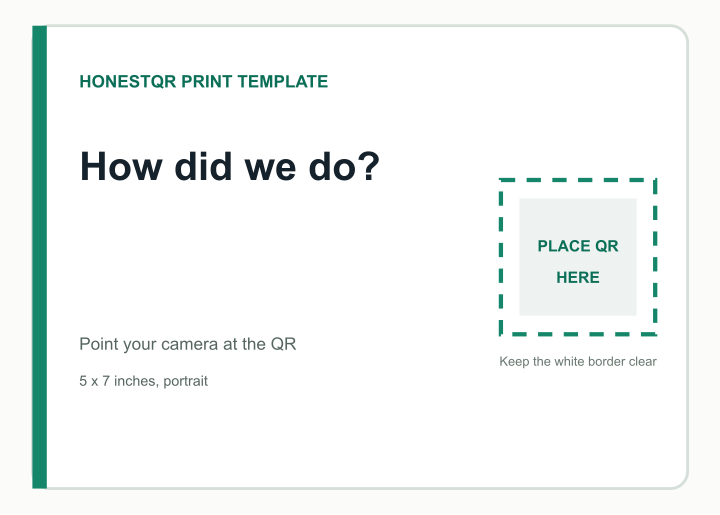
This 5 x 7 inch sign keeps the request short and gives the QR enough room to scan. Use the direct review link for the correct business profile.
5 x 7 inches, portrait · Free for personal and commercial use
Place
Put it where a completed visit naturally ends: reception, collection point or the receipt area.
Test
Scan on mobile data and confirm Google opens the intended location rather than a search result for a similar name.
Add your QR
Replace the marked square, not the whole layout.
Open the SVG in Canva, Figma, Illustrator or another design tool. Place your QR over the square, keep it perfectly square and do not cover the surrounding white area.
- 1
Create a fixed or dynamic QR and download its SVG.
- 2
Place it inside the marked area without stretching it.
- 3
Change the example wording if needed, then export a print PDF.
- 4
Print one copy at 100% scale and scan it before ordering more.
Example destination
How did we do?
The preview uses a working sample QR so you can check the intended scale and border.
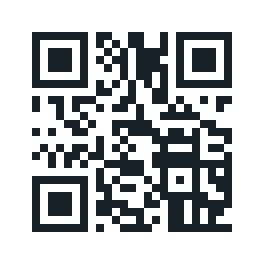 https://example.com/review
Free and permanent
Use a fixed code if the final address or information will not change. HonestQR does not sit between the scan and destination.
Create a fixed QRUseful for long-lived print
Change the destination after printing and see scan activity. Pro includes 50 codes and 100,000 scans a month.
Start 30 days freeTemplate published July 23, 2026. The marked QR area follows a conservative print size and clear-border rule, but every material, printer and placement still needs a physical scan test.